Honeycomb Alpha and Bravo Review: Complete Cockpit Flight Rig
When assembling a serious desktop flight simulation setup, choosing controls that bridge basic plastic joysticks and dedicated commercial simulators is a pivotal choice. The Honeycomb Alpha Bravo combines two core cockpit components…
By Hannah Barnett 9 min read

Honeycomb Alpha Bravo
Honeycomb Aeronautical
Very good
4.5 out of 5
Average of 251 Amazon buyer ratings — not a score from testing of our own
- Ratings counted
- 251
- Specs listed
- 10
- Section
- Other
Check price on Amazon We may earn a commission if you buy through this link.
How buyers rated it
Share of 251 Amazon ratings.
As Amazon Associates, we earn from qualifying purchases. This means we may receive a small commission at no extra cost to you if you click through and make a purchase.
When assembling a serious desktop flight simulation setup, choosing controls that bridge basic plastic joysticks and dedicated commercial simulators is a pivotal choice. The Honeycomb Alpha Bravo combines two core cockpit components into a unified rig: the Honeycomb Alpha Flight Controls Yoke & Switch Panel alongside the Honeycomb Bravo Throttle Quadrant. This dual-controller package offers virtual aviators realistic mechanical control, dedicated switch arrays, and multi-engine throttle adaptability without requiring custom fabricated hardware. Instead of piecing together disparate gear over time, this coordinated honeycomb alpha bravo bundle establishes a comprehensive desktop foundation capable of managing single-engine general aviation aircraft, twin-engine turboprops, and four-engine commercial airliners on personal computers.
Determining whether this dual-unit bundle fits your desk requires analyzing its mechanical fidelity, physical space requirements, and hardware configuration. In this evaluation, we examine the physical controls, honeycomb alpha bravo specs, setup footprint, and system compatibility using verified manufacturer specifications. Simmers will discover how the interchangeable lever sets function, review a complete technical breakdown, assess desktop ergonomics, and evaluate whether this honeycomb yoke and throttle bundle aligns with their flight simulation expectations.



What You Get With the Honeycomb Alpha Bravo
Packaged under manufacturer part number HC003042_K1, this two-piece hardware bundle delivers an all-in-one desktop cockpit interface featuring independent yoke and throttle quadrant housings equipped with specialized aviation controls.
In the box
- Honeycomb Alpha Flight Controls Yoke & Switch Panel featuring an ergonomic handle layout and dedicated electrical switch controls
- Honeycomb Bravo Throttle Quadrant all-in-one cockpit system supporting aircraft setups from single-engine trainers to four-engine airliners
- Six commercial levers equipped with operational flaps and thrust reversers for multi-engine commercial jet simulation
- Six general aviation levers equipped with a dedicated Takeoff/Go-Around (TOGA) button for departure routines
- Autopilot control module complete with backlit buttons for direct heading, navigation, and altitude management
- Annunciator panel featuring 14 distinct warning lights alongside seven programmable switches for system monitoring
- Mechanical landing gear lever fitted with active LED landing gear indicator lights
- Dedicated general aviation flap lever for stepped wing configuration adjustments
- Integrated large-diameter trim wheel engineered for continuous pitch adjustments during flight
- Adjustable lever tension mechanism allowing users to customize quadrant resistance to match personal preference
Key Specifications
| Brand Name | Honeycomb Aeronautical |
|---|---|
| Model Name / Number | HC003042_K1 / Alpha Flight Controls |
| Hardware Platform | PC |
| Compatible Operating Systems | Windows |
| Connectivity Technology | USB |
| Power Source | Corded Electric |
| Item Total Weight | 12.13 kg |
| Item Dimensions | 23.8 x 17.8 x 19 inches |
| Controller Types | Throttle Quadrant, Yoke |
| Color Finish | Black |
All 21 attributes from the listing
| Compatible Devices | Windows |
|---|---|
| Controller Type | Throttle Quadrant, Yoke |
| Connectivity Technology | USB |
| Additional Features | Ergonomic |
| Button Quantity | 2 |
| Hardware Platform | pc |
| Power Source | Corded Electric |
| Item Weight | 12.13 kg |
| Package Quantity | 1 |
| Item Dimensions | 23.8 x 17.8 x 19 inches |
| Color | black |
| Brand Name | Honeycomb Aeronautical |
| Model Name | HC003042 K1 |
| Manufacturer | Honeycomb |
| Item Highlight | Bravo throttle quadrant, (2 items) |
| UPC | 192223190207 |
| Model Number | Alpha Flight Controls |
| Manufacturer Part Number | HC003042 K1 |
| Best Sellers Rank | #11,662 in Video Games (See Top 100 in Video Games) #54 in PC Game Flight Controls |
| ASIN | B09NFNSY38 |
| Customer Reviews | 4.5 4.5 out of 5 stars (251) 4.5 out of 5 stars |
Figures as published by the manufacturer on the Amazon listing.
Mechanical Customization and Throttle Lever Swapping
The primary mechanical highlight of the Honeycomb Bravo throttle quadrant is its modular lever architecture. Virtual pilots regularly transition between single-engine trainers, multi-engine prop aircraft, and multi-engine commercial jet transports. Honeycomb accommodates these aircraft transitions by including two separate lever banks in the package. Simmers receive six general aviation levers fitted with a dedicated TOGA button, alongside six commercial aviation levers equipped with functional thrust reverser levers and flap controls. This configuration flexibility allows pilots to map multi-engine throttles, prop pitch, and fuel mixture without using awkward keyboard shortcuts or compromised lever layouts.
Lever drag and resistance can make or break fine throttle adjustments on landing approach. The Bravo throttle quadrant integrates an adjustable lever tension dial, permitting users to dial in more resistance or loosen the levers as preferred. Increasing tension prevents multi-engine lever banks from slipping forward or backward under their own weight during sustained cruise climbs. Combined with the smooth pitch and roll response of the Honeycomb Alpha flight controls yoke, this setup provides predictable mechanical feel throughout standard flight maneuvers.
Pitch trim management is executed through a dedicated physical trim wheel built directly into the Bravo quadrant housing. Unlike momentary button taps or rotary switches on standard joysticks, a full-sized rotating trim wheel enables fine stabilizer adjustments during hand-flown visual approaches. Working the trim wheel alongside the general aviation flap lever or stepped commercial flap controls builds authentic muscle memory during descent, flare, and touch-and-go practice.
Desk Footprint and Physical Installation Constraints
Deploying this dual-controller flight rig requires assessing your desk dimensions and workspace rigidity. The packaged system measures 23.8 x 17.8 x 19 inches and carries a substantial combined weight of 12.13 kg. Mounting both the Alpha yoke and Bravo quadrant side by side occupies a wide perimeter along the front edge of a desk, requiring simmers to plan where their keyboard, mouse, and external displays will rest. Enthusiasts pairing their PC rig with large external visual monitors, such as an lg c5 oled 65 inch tv for expanded field-of-view visuals, should verify their table depth can accommodate both hardware chassis without pushing the seating position too far back.
System stability benefits directly from the package mass. The heavy 12.13 kg footprint prevents the assemblies from shifting, lifting, or twisting during abrupt aileron rolls, rudder coordination drills, or rapid throttle bursts. However, the listing indicates corded electric operation alongside standard USB connectivity. Managing the power cables and USB leads along the back of the modules requires deliberate cable routing to ensure clear desk ergonomics and avoid binding during full yoke rotation.
Physical positioning also impacts long-term comfort during extended cross-country simulations. Honeycomb specifies an ergonomic design across the yoke handles, positioning primary hand rests and thumb locations naturally. Because both components sit on or clamp to the primary desk plane, establishing an appropriate chair height ensures your forearms rest at a natural angle when gripping the yoke or manipulating the quadrant levers, mitigating wrist fatigue during long holding patterns.
Switch Panel Integration and Autopilot Handling
One of the major inconveniences of software-only cockpits is relying on mouse clicks inside the virtual flight deck to operate lighting, fuel pumps, and avionics switches. The Honeycomb Alpha Bravo bundle minimizes mouse interaction by providing comprehensive hardware switch banks across both enclosures. The Bravo quadrant features an annunciator panel displaying 14 distinct warning lights alongside seven programmable switches. These indicator lights display vital system conditions such as low oil pressure, vacuum warnings, or starter status, giving the pilot rapid visual verification of aircraft states.
The Bravo unit also integrates a dedicated hardware autopilot panel with backlit buttons. Aviators can directly arm and engage altitude hold, heading select, vertical speed, navigation tracking, and approach modes using physical illuminated keys. Backlit buttons make nighttime instrument flying practical by allowing pilots to read active modes in darkened rooms without hunting for virtual controls on the flight screen.
Landing configurations are handled with a physical gear lever paired with operational LED landing gear indicator lights. Mimicking real transport-category aircraft panels, these LEDs display green indicators when gear assemblies are down and locked, and red during transit. Coupled with the master switches, alternator controls, and avionics bus switches on the Alpha yoke panel, this layout enables comprehensive cold-and-dark startups, taxi procedures, and shutdown workflows directly from physical controls.
Platform Compatibility and Simulator Configuration
Reviewing honeycomb alpha bravo compatibility is critical before committing to this hardware configuration. According to the manufacturer data, the hardware platform is exclusively designated for PC running Windows operating systems. Gamers seeking an integrated flight rig for gaming consoles will find that this bundle does not support console hardware. The hardware communicates with host PCs via standard USB interfaces and utilizes a corded electric power source to drive its internal electronics, status LEDs, and backlighting.
When preparing the honeycomb alpha bravo for msfs or other PC flight simulators, the modularity of the Bravo quadrant enables comprehensive software profiling. Because the throttle ships with interchangeable lever assemblies, users can build custom hardware profiles for single-engine props, twin-engine turboprops, twin-engine jets, and four-engine heavies. The seven programmable switches provide ample inputs to map pitot heat, cowl flaps, avionics masters, or fuel valves to real mechanical toggles corresponding to airframe checklists.
While standard USB connections allow the Windows operating system to recognize the dual controllers, synchronizing the 14 annunciator warning lights and autopilot backlighting with virtual aircraft systems typically relies on software drivers. Once properly integrated within your simulation platform, the honeycomb alpha bravo setup establishes an intuitive, procedurally accurate interface that significantly outperforms standard all-in-one flight sticks.
Honeycomb Alpha Bravo Pros and Cons
Pros
- Modular commercial and general aviation throttle levers
- Dedicated autopilot panel with backlit buttons
- Fourteen-light annunciator status warning panel
- Adjustable mechanical lever tension dial
- Integrated trim wheel and LED landing gear lever
Cons
- Substantial 12.13 kg weight and desk footprint
- Windows PC platform support only
- Rudder pedals not included in bundle
Check Honeycomb Alpha Bravo on Amazon
Is the Honeycomb Alpha Bravo Worth It
Deciding whether this flight simulation bundle is worth the investment depends on the realism you demand from your desktop cockpit. For dedicated PC flight simulation enthusiasts who routinely pilot civil aviation aircraft—ranging from Cessna 172 trainers up to Boeing 747 airliners—the Honeycomb Alpha Bravo bundle offers unmatched versatility. Its interchangeable commercial and general aviation throttle levers, integrated annunciator status panel, physical trim wheel, and illuminated autopilot controls create a procedural flight deck environment that conventional joysticks cannot deliver.
Conversely, this hardware package may prove impractical for casual gamers or users with limited space. The two modules occupy significant desk surface area, and their 12.13 kg combined weight makes frequent setup and teardown cumbersome if your desk doubles as a daily remote workstation. Furthermore, players focused exclusively on military combat simulations or space combat will find the yoke layout less suitable than a flight stick equipped with twist rudders and high-count directional hats.
For PC aviators operating on Windows who want comprehensive mechanical engine controls, realistic switchgear, and dedicated instrument interfaces, this package provides exceptional cockpit fidelity. If your flight simulation goals emphasize realistic checklists, multi-engine engine management, and tactile manual trimming, this dual-unit rig delivers an outstanding flight deck experience.
Other Options to Consider
| Model | Buyer rating | Ratings | Why it is here |
|---|---|---|---|
 Honeycomb AeronauticalHoneycomb Alpha Flight Controls Yoke BundleReviewed here Honeycomb AeronauticalHoneycomb Alpha Flight Controls Yoke BundleReviewed here |
4.5Very good | 251 | The model reviewed on this page. View listing |
 LogitechLogitech G PRO Flight Yoke System Professional Simulation – Black LogitechLogitech G PRO Flight Yoke System Professional Simulation – Black |
4.3Good | 2,894 | Pilots seeking an established dual-handed yoke with multi-mode profile management should consider the Professional simulation system, which features 3 modes, 75 programmable controls, configurable knobs, and a direct USB connection on PC through the logitech g pro flight yoke system hardware family. View listing |
 TurtleTurtle Beach VelocityOne Flight Universal Control System – Xbox Series X &… TurtleTurtle Beach VelocityOne Flight Universal Control System – Xbox Series X &… |
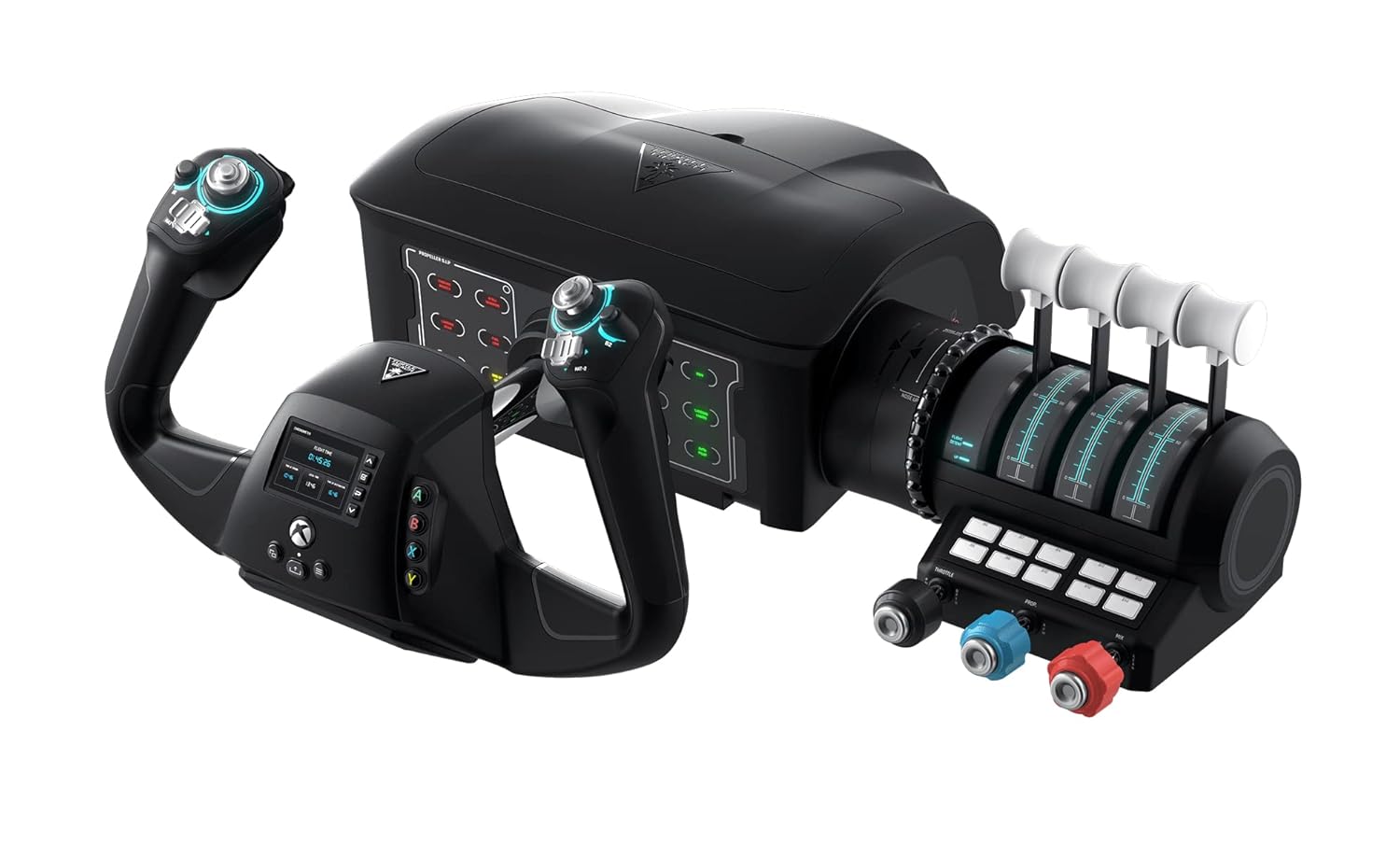
4.0Good | 2,515 | Simmers who split their flight time between consoles and PC will find the Turtle Beach VelocityOne Flight Universal an attractive alternative, offering an integrated yoke handle, throttle quadrant, trim wheel, and built-in rudder controls engineered for Xbox Series X|S, Xbox One, and Windows 10 & 11 PCs. View listing |
 LogitechLogitech G X56 H.O.T.A.S Throttle and Joystick Flight Simulator Game Controller, 4… LogitechLogitech G X56 H.O.T.A.S Throttle and Joystick Flight Simulator Game Controller, 4… |
4.2Good | — | Enthusiasts focused primarily on military combat aircraft, helicopters, or space flight might prefer the Logitech G X56 H.O.T.A.S Throttle and joystick controller, which features four spring options, over 189 programmable controls, RGB lighting, dual USB connections, and hands-on throttle-and-stick ergonomics on PC. View listing |
Ratings are the star averages left by Amazon buyers, not scores from our own testing. Prices are the ones on the listing when this page was written.
FAQ
Does the Honeycomb Alpha Bravo bundle support gaming consoles?
According to the verified product specifications, this bundle is compatible solely with Windows PC platforms. The manufacturer listing does not cite support for gaming consoles such as Xbox or PlayStation.
What lever options are included with the Bravo throttle quadrant?
The Bravo throttle quadrant comes with two full sets of levers: six commercial aviation levers equipped with functional thrust reversers and flap controls, and six general aviation levers equipped with a dedicated TOGA button, supporting single to four-engine aircraft profiles.
What functions do the annunciator panel lights perform?
The annunciator panel includes 14 warning lights alongside seven programmable switches to visually signal aircraft status, subsystem operations, and warning conditions directly on the hardware.
How are the Alpha yoke and Bravo throttle powered and connected?
The listing states that the hardware utilizes USB connectivity to interface with the PC and relies on a corded electric power source to operate internal circuitry, illuminated autopilot keys, and indicator LEDs.
Are rudder pedals included in this Honeycomb bundle?
The manufacturer listing specifies that this package contains two items: the Honeycomb Alpha Flight Controls Yoke & Switch Panel and the Honeycomb Bravo Throttle Quadrant. Rudder pedals are not included in this bundle.
More Other ratings
See the section
Billie Eilish No. 2 Mini Set Review: Longevity, Notes, and Practical Value
Deciding whether to buy the Billie Eilish No. 2 mini 2 pc set (.25 fl oz each) comes down to your preference for dry,…
Buyer favourite 4.5+ stars from 500 or more ratings

Pokémon Prismatic Evolutions Mini Tin: The Collector’s Fast Verdict
The Pokémon Prismatic Evolutions Mini Tin delivers a compact, focused opening experience tailored for collectors seeking items from the Scarlet & Violet expansion without…

Roland VR-09-B V-Combo Review: Decisive Guide for Gigging Pros
When evaluating the Roland VR-09-B V-Combo, gigging musicians and stage performers want to know whether a compact instrument can genuinely replace a heavy stack…

semai Flying Orb Ball: Rapid Decision Guide
Deciding whether to buy the semai Flying Orb Ball comes down to understanding what this hand-launched spinner is engineered to do. If you are…

LEGO Marvel Guardians HQ 76253: Minifigures and Build Breakdown
Shoppers searching for miniature space hero collectibles often evaluate options like star guardian minis to find compact display pieces that fit neatly onto a…
Buyer favourite 4.5+ stars from 500 or more ratings
Get new ratings by email
A weekly digest of the products added to the ratings pages.