ASUS ROG GR70: Elite Mini PC Power for Demanding Workspaces
The ASUS ROG GR70 solves a familiar workspace dilemma for professionals who demand heavy computing throughput without surrendering desk real estate to an oversized computer tower. Built around the high-output AMD Ryzen…
By Scott Brennan 8 min read

ASUS ROG GR70
ASUS
Excellent
Our score: 9.8/10
Scores are out of 10, based on listed specifications and buyer feedback.
- Specs listed
- 10
- Section
- PC Components & Storage
Check price on Amazon We may earn a commission if you buy through this link.
As Amazon Associates, we earn from qualifying purchases. This means we may receive a small commission at no extra cost to you if you click through and make a purchase.
The ASUS ROG GR70 solves a familiar workspace dilemma for professionals who demand heavy computing throughput without surrendering desk real estate to an oversized computer tower. Built around the high-output AMD Ryzen 9 9955HX3D processor and an NVIDIA GeForce RTX 5070 mobile graphics unit, this compact machine targets users who need rapid rendering, code execution, and high-frame-rate rendering in a sleek format. Instead of forcing you to build a custom small-form-factor desktop from scratch, it arrives configured and ready to drive complex tasks right out of the packaging.
Determining whether this desktop replacement fits your specific workflow comes down to your expectations around thermal behavior, graphics power, and component expansion limits. In this ASUS ROG GR70 review, we evaluate the system architecture, dissect its multi-monitor capability, analyze its cooling design, and examine how it behaves under continuous production loads. Read on for a breakdown of verified hardware details, practical usage considerations, and direct comparisons to alternative desktop setups.


What You Get With the ASUS ROG GR70
The ASUS ROG GR70 mini PC package delivers a factory-assembled performance workstation optimized for immediate deployment on executive desks or compact workstations.
In the box
- AMD Ryzen 9 9955HX3D processor from the AMD Ryzen 9000 Series
- NVIDIA GeForce RTX 5070 mobile GPU based on RTX 50-Series architecture
- 32 GB of high-speed DDR5 system memory clocked at 5600 MHz
- 2 TB high-speed PCIe x4 solid-state drive
- Advanced triple-fan QuietFlow thermal cooling system
- Integrated Wi-Fi 7 and certified Bluetooth 5.4 wireless modules
- Multi-display support capable of driving up to five 4K displays
- Comprehensive peripheral connectivity including USB 3.2 Gen 2, HDMI, and DisplayPort
- Pre-installed Windows 11 Home operating system
- Dedicated 330-watt external power supply system
Key Specifications
| Processor | AMD Ryzen 9 9955HX3D (AMD Ryzen 9000 Series) |
|---|---|
| Graphics Hardware | NVIDIA GeForce RTX 5070 Mobile GPU |
| Operating System | Windows 11 Home |
| Installed RAM | 32 GB DDR5 (5600 MHz) |
| Maximum RAM Capacity | 48 GB DDR5 |
| Internal Storage | 2 TB PCIe x4 SSD (96 GB memory storage capacity indicated in listing) |
| Physical Dimensions | 2.22 x 11.12 x 7.39 inches |
| Chassis Weight | 6.1 pounds |
| Wireless Connectivity | Wi-Fi 7, Certified Bluetooth 5.4 |
| Power Consumption | 330 Watts |
All 55 attributes from the listing
| Specific Uses For Product | Everyday Use, Gaming, Multimedia |
|---|---|
| Personal Computer Design Type | Mini PC |
| Color | Black |
| Additional Features | 32GB RAM |
| Hard Disk Description | SSD |
| Hardware Interface | Bluetooth, DisplayPort, HDMI, USB 3.2 Gen 2 |
| Power Consumption | 330 watts |
| Item Dimensions | 2.22 x 11.12 x 7.39 inches |
| Item Weight | 6.1 pounds |
| Video Output Interface | DisplayPort, HDMI |
| Hard Disk Interface | PCIE x 4 |
| Video Output | HDMI, DisplayPort |
| Memory Storage Capacity | 96 GB |
| RAM Memory Installed | 32 GB |
| RAM Memory Technology | DDR5 |
| Ram Memory Maximum Size | 48 GB |
| Memory Speed | 5600 MHz |
| RAM Type | DDR5 RAM |
| Memory Clock Speed | 5600 MHz |
| Display Resolution Maximum | 3840×2160 pixels |
| Aspect Ratio | 16:9 |
| Resolution | 4K |
| Native Resolution | 3840 x 2160 |
| Connectivity Technology | Bluetooth, Ethernet, HDMI, LAN, USB |
| Wireless Compability | 802.11.be, Bluetooth |
| Wireless Technology | Bluetooth, Wi-Fi |
| Brand | ASUS |
| Model Number | GR70-N90015AN |
| Model Name | GR70-N90015AN |
| Built-In Media | AC Power Adapter, GR70-N90015AN, Power Cord |
| Processor Brand | AMD |
| CPU Model Number | Ryzen 9 9955HX3D |
| Warranty Description | 3 Year Manufacturer |
| Unit Count | 1 Count |
| UPC | 199291296084 |
| Manufacturer | ASUS |
| Best Sellers Rank | #108,842 in Electronics (See Top 100 in Electronics) #8,082 in Computers & Tablets |
| ASIN | B0GQDGVMDV |
| Graphics Description | Dedicated |
| Graphics Coprocessor | DP, HDMI |
| Graphics Card Ram | 8 GB |
| Graphics Ram Type | DIMM |
| Graphics Card Interface | PCI Express |
| Processor Series | Ryzen 9 |
| Processor Speed | 2.5 GHz |
| Processor Count | 1 |
| Total Usb Ports | 8 |
| Total Number of HDMI Ports | 2 |
| Number of Component Outputs | 5 |
| Human-Interface Input | Buttons |
| CPU Model | Ryzen 9 |
| CPU Speed | 2.5 GHz |
| Graphics Card Description | Dedicated |
| Personal computer design type | Mini PC |
| Ram Memory Installed Size | 32 GB |
Figures as published by the manufacturer on the Amazon listing.
High-End Processing Muscle in an Executive Form Factor
At the center of the hardware array sits the AMD Ryzen 9 9955HX3D processor, placing this unit in an elite category for compact computing. The inclusion of the asus rog gr70 ryzen 9 9955hx3d configuration means professionals handling compilation passes, multi-threaded numerical simulations, or heavy data crunching will experience responsiveness that rivals bulky corporate desktops. Rather than throttling standard mobile silicon, the platform leverages AMD 3D V-Cache technology to cache instructions closer to compute cores, substantially reducing processing bottlenecks during intense calculation phases.
System memory comes standard with 32 GB of DDR5 running at 5600 MHz, providing broad memory bandwidth for concurrent virtual machines, heavy browser sessions, and large media timelines. For those planning future hardware updates, the official asus rog gr70 specs indicate a maximum memory ceiling of 48 GB. While this ceiling is sufficient for general executive productivity and advanced multitasking, users who manage enterprise databases requiring 64 GB or 128 GB of RAM should note this physical limitation before retiring their existing dedicated workstations.
Primary data transactions operate over a PCIe x4 interface with a pre-installed 2 TB SSD, guaranteeing near-instant boot cycles and swift project asset loading. Builders accustomed to traditional custom rigs running platforms like the asus rog strix b850-a gaming wifi know that full-sized boards offer multiple expansion slots. In this compact enclosure, the storage configuration is tailored for maximum performance per square inch, delivering quick read and write cycles without requiring internal assembly work.
Graphics Performance and Multi-Monitor Productivity
Visual computation is managed by the NVIDIA GeForce RTX 50-Series mobile platform, specifically utilizing the asus rog gr70 rtx 5070 configuration. This GPU brings modern graphics execution to demanding software suites, providing hardware-accelerated video rendering, rapid 3D modeling viewport playback, and support for high-fidelity visual workloads. When shifting from productivity to downtime, the ASUS ROG GR70 for gaming provides high frame rates and ultra-low latency across contemporary titles, ensuring smooth visuals without dropped frames.
A stand-out productivity feature of this mini PC is its ability to drive up to five 4K displays simultaneously via its DisplayPort and HDMI video output interfaces. Financial analysts, operations managers, and digital content producers who operate large multi-monitor control centers can drive extensive screen layouts directly from this single box. Pairing this setup with ultra-crisp panels like the asus rog pg27ucdm yields an expansive desktop environment capable of organizing complex dashboards with total clarity.
It remains important to contextualize the graphics hardware correctly. Because this unit integrates the mobile version of the RTX 5070 rather than an unconstrained, high-wattage desktop expansion card, power delivery and total board wattage are structured around thermal realities. For 1440p and competitive frame rates, it delivers exceptional fidelity, but professionals requiring maximum desktop-tier GPU wattage for unconstrained 3D rendering farms must balance their expectations against the compact profile of mobile silicon.
Acoustic Footprint and Triple-Fan Thermal Control
Managing high-performance silicon inside a chassis that measures just 2.22 inches tall presents serious thermal engineering challenges. ASUS addresses this via the asus rog gr70 cooling setup, which relies on a specialized QuietFlow architecture utilizing three internal fans. This custom thermal layout separates internal air pathways, drawing cool ambient air across critical thermal plates before venting heat out of dedicated exhaust channels, keeping key hardware within stable operating temperatures.
Acoustic management is a primary consideration in quiet office spaces, where constant high-pitch fan whine can disrupt meetings and concentration. Under light office multitasking—such as editing documents, reviewing spreadsheets, or conducting video conference calls—the QuietFlow design remains exceptionally quiet. When the CPU and GPU are pushed by rendering pipelines or demanding gaming sessions, the three fans ramp up smoothly, producing a steady air movement sound rather than high-pitched turbulence.
The compact design pulls a rated 330 watts of power under sustained high-load states, demonstrating that the internal components are fed adequate power to prevent aggressive frequency throttling. Long compute passes generate noticeable warm exhaust around the perimeter vents, so users must ensure clear clearance around the casing. Placing the unit flat on a clean desk or mounting it where airflow remains unobstructed ensures the QuietFlow system maintains thermal equilibrium across multi-hour tasks.
Chassis Ergonomics and Everyday Port Selection
Weighing in at 6.1 pounds and measuring 2.22 by 11.12 by 7.39 inches, the ASUS ROG GR70 mini PC occupies a fraction of the physical area demanded by conventional tower cases. The chassis presents a refined aesthetic that blends effortlessly into professional office environments, trading aggressive industrial styling for clean lines and a compact profile. Those accustomed to massive PC enclosures like the asus rog hyperion gr701 will find the GR70 remarkably unobtrusive on an executive desk.
Peripheral expansion and data ingress rely on a functional suite of asus rog gr70 ports. High-speed data connections are routed through onboard USB 3.2 Gen 2 ports, allowing rapid transfers to external NVMe enclosures and seamless interfacing with enterprise docks. Dedicated HDMI and DisplayPort sockets handle external monitors without requiring specialized adapter cables, while integrated Bluetooth 5.4 ensures stable low-power connections for keyboards, mice, and wireless headsets.
Networking capabilities are positioned at the cutting edge thanks to integrated Wi-Fi 7 support. For offices outfitted with modern multi-gigabit access points, Wi-Fi 7 guarantees low packet latency and massive data transfer channels, eliminating the network bottlenecks common to legacy wireless standards. Whether moving large video assets across network-attached storage or engaging in real-time online collaboration, the network stack delivers enterprise-grade stability.
ASUS ROG GR70 Pros and Cons
Pros
- High-performance AMD Ryzen 9 9955HX3D processor
- NVIDIA GeForce RTX 5070 mobile graphics
- Triple-fan QuietFlow thermal cooling system
- Supports up to five 4K displays
- Cutting-edge Wi-Fi 7 and Bluetooth 5.4
- Compact 6.1-pound desk-friendly chassis
Cons
- Maximum memory capped at 48 GB RAM
- Mobile GPU instead of full desktop card
- High 330-watt power draw under load
Is the ASUS ROG GR70 Worth It
Deciding if this system represents the correct investment depends on your operational priorities and spatial requirements. If you are an executive, software engineer, or creative professional who requires top-tier computing power in an elegant, travel-ready form factor that keeps your workspace clear of cable nests, this pre-built system stands out as a top-tier contender. It provides workstation-grade CPU throughput and dependable RTX 50-Series graphical acceleration without requiring you to assemble, test, or troubleshoot individual parts.
Conversely, users looking for unlimited internal expansion, multi-card GPU setups, or RAM capacities beyond 48 GB should look toward conventional mid-tower or full-tower desktops. Because this unit relies on a mobile graphics platform and a specialized motherboard layout, you cannot swap out the GPU down the road for a standard desktop graphics card. Understanding these structural boundaries ensures your expectations align with what compact engineering delivers.
Ultimately, the system justifies its position by excelling at high-density computing. It eliminates the bulky footprint of traditional towers while maintaining the cooling efficiency, display capabilities, and multi-threaded muscle necessary to handle modern production workloads and gaming during off hours.
Other Options to Consider
| Model | Our score | Why it is here |
|---|---|---|
 ASUSASUS ROG GR70 Mini PC for Gamers Ryzen 9 9955HX3D RTX 5070…Reviewed here ASUSASUS ROG GR70 Mini PC for Gamers Ryzen 9 9955HX3D RTX 5070…Reviewed here |
9.8/10Excellent | The model reviewed on this page. View listing |
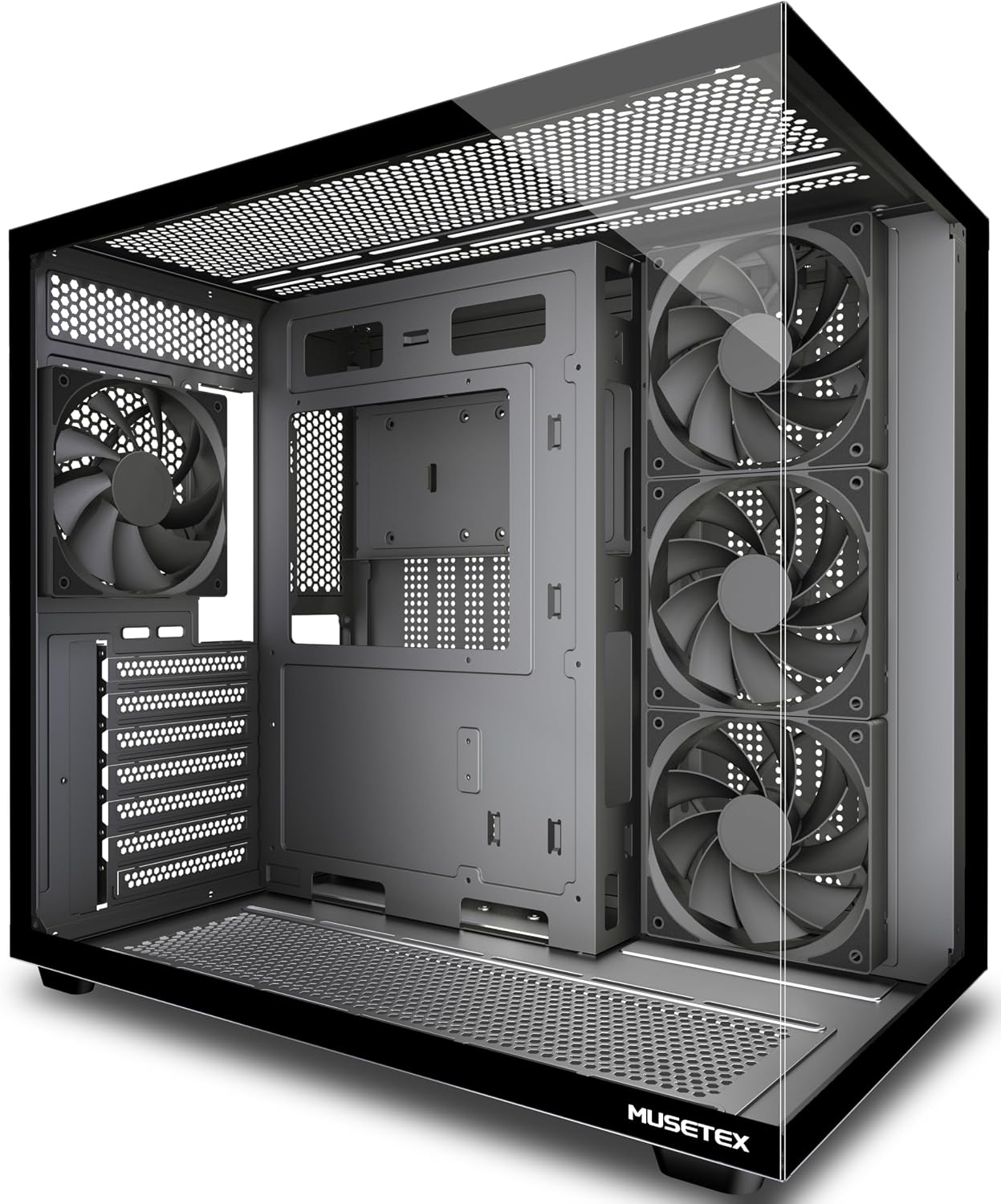
 MusetexMUSETEX Y6 PC Case, Pre-Installed 4 Non-LED Fans, ATX Mid Tower Case,… MusetexMUSETEX Y6 PC Case, Pre-Installed 4 Non-LED Fans, ATX Mid Tower Case,… |
9.4/10Excellent | MUSETEX Y6 PC Case suits builders who prefer assembling an ATX mid-tower desktop from scratch rather than buying a pre-built mini PC, offering a 270-degree full view tempered glass layout, four pre-installed non-LED fans, and front-panel Type-C connectivity for maximum internal component accessibility. View listing |
 CorsairCORSAIR 4000D RS ARGB Frame Modular Mid-Tower ATX PC Case, High Airflow,… CorsairCORSAIR 4000D RS ARGB Frame Modular Mid-Tower ATX PC Case, High Airflow,… |
9.4/10Excellent | CORSAIR 4000D RS ARGB Frame caters to desktop builders seeking high-airflow modular mid-tower architecture, equipped with three pre-installed RS fans, the InfiniRail mounting system, and broad compatibility for hidden-connector motherboards such as ASUS BTF, MSI Zero, and Gigabyte Stealth. View listing |
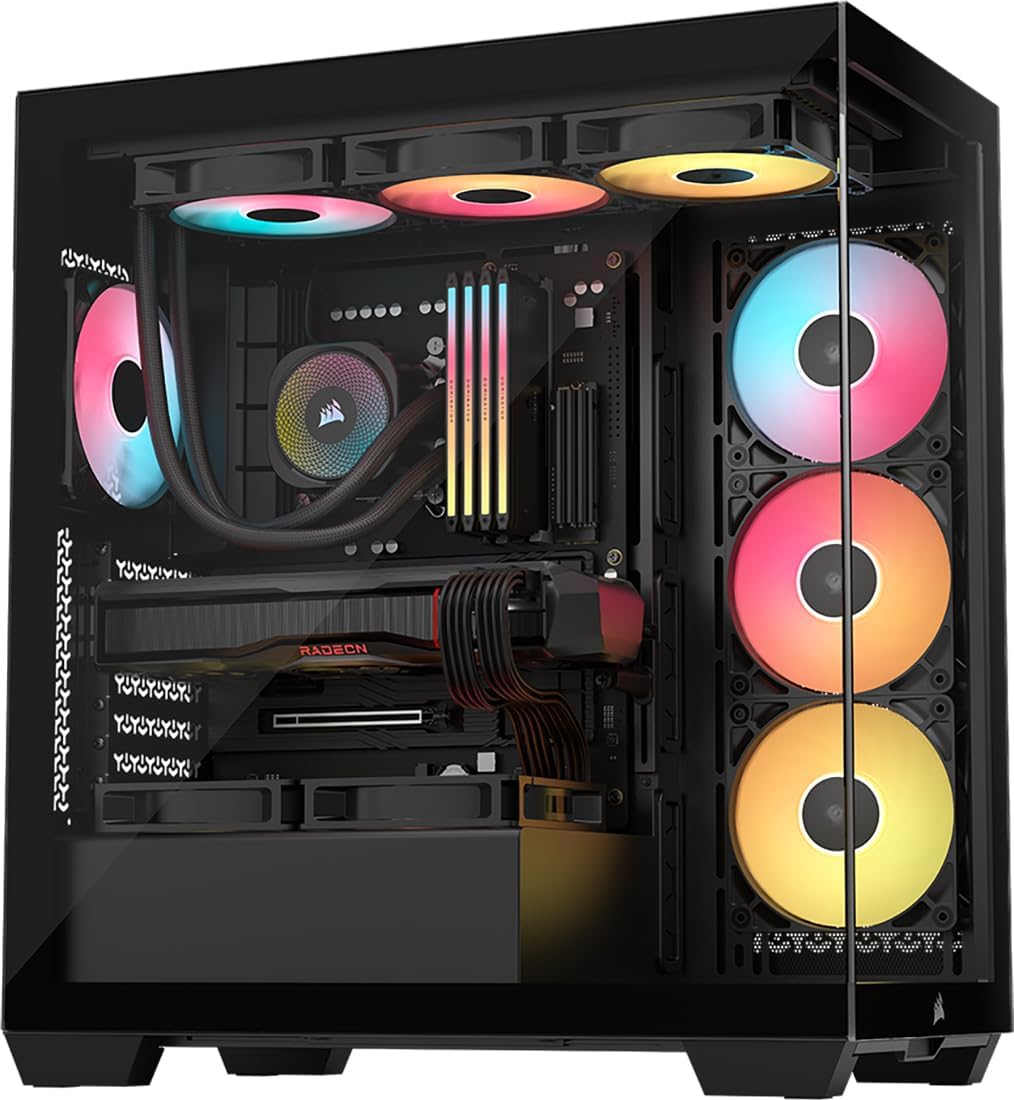
 CorsairCORSAIR 3500X RS ARGB Panoramic Mid-Tower PC Case – Black CorsairCORSAIR 3500X RS ARGB Panoramic Mid-Tower PC Case – Black |
9.4/10Excellent | 3x Pre-Installed Reverse Fans represents a panoramic mid-tower option designed for users building a high-airflow custom rig with three pre-installed reverse fans, integrated GPU anti-sag hardware, removable panels, and generous cable routing space for large desktop graphics cards. View listing |
Scores are out of 10, based on listed specifications and buyer feedback. Prices are the ones on the listing when this page was written.
FAQ
How many external monitors can the ASUS ROG GR70 support at one time?
The ASUS ROG GR70 supports up to five 4K displays simultaneously using its integrated DisplayPort and HDMI video outputs, making it ideal for multi-screen financial, programming, and creative setups.
What is the maximum RAM capacity supported by the system?
The system comes with 32 GB of DDR5 RAM operating at 5600 MHz and supports a maximum memory capacity of 48 GB, as outlined in the official technical specifications.
Does the ASUS ROG GR70 use a desktop or mobile graphics card?
The system utilizes an NVIDIA GeForce RTX 5070 Mobile GPU, which allows it to deliver RTX 50-Series graphical performance and high frame rates within a compact 2.22-inch chassis.
What operating system is installed on the unit?
The ASUS ROG GR70 comes pre-installed with Windows 11 Home, allowing you to deploy productivity software and modern PC gaming titles right out of the box.
What wireless standards are built into the ASUS ROG GR70?
The unit features integrated Wi-Fi 7 networking alongside certified Bluetooth 5.4, providing next-generation bandwidth, reduced latency, and reliable wireless peripheral synchronization.
More PC Components & Storage ratings
See the section
ASUS ROG Crosshair VIII Impact Breakdown: SFF AM4 Benchmark
The ASUS ROG Crosshair VIII Impact directly answers the need for an uncompromised, workstation-grade AMD desktop platform inside a space-saving chassis. Built around the…

Seagate IronWolf Pro 8TB Review: Built for Demanding Multi-Bay NAS
Network-attached storage environments present rigorous mechanical challenges that standard desktop drives cannot handle. The Seagate IronWolf Pro 8TB is engineered explicitly for multi-user business…
Buyer favourite Scored 9.0+/10

MSI RTX 5070 Ti 16GB Ventus 3X OC: Decisive Buyer Analysis
System builders and creative professionals frequently face a challenging dilemma when choosing graphics hardware: balancing raw computing power against thermal stability and acoustics. The…

Intel Core Ultra 5 245K Review: Decisive Guidance for Workstation Builds
The Intel Core Ultra 5 245K establishes a balanced, efficiency-driven foundation for modern business workstations and productivity setups. Built around Intel’s Series 2 desktop…

Gigabyte X870E AERO X3D Wood: The Decisive AM5 Review
For digital creators, engineers, and power users constructing a modern workstation, finding a motherboard that unites extreme peripheral throughput, sustained processing stability, and an…
Get new ratings by email
A weekly digest of the products added to the ratings pages.